
Copilot Chat
Ask operational questions using incident evidence and connected sourcesEdit
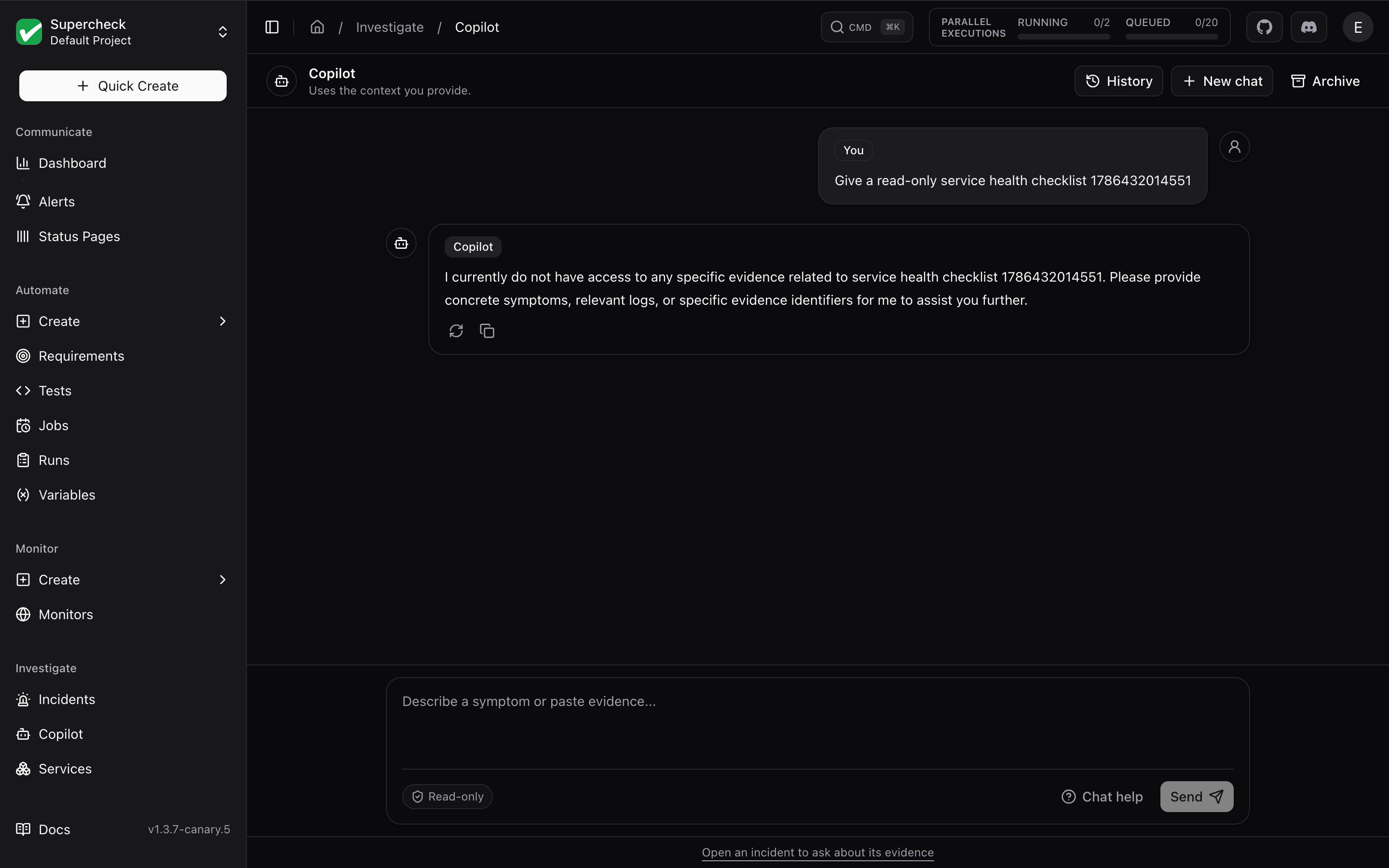
Open Investigate → Copilot to ask about your services, errors, or logs. From an incident, select Ask Copilot to bring its saved evidence into the same chat screen.
Copilot is read-only. It gathers evidence and suggests checks, but cannot change your systems or apply a fix.
Chat Modes
General chat
Name the service you want to check. Copilot finds available sources in your current project and asks if the service is unclear. Connector results are temporary and are not added to incident evidence
Incident chat
Uses the incident's saved evidence, similar past incidents, and the connectors for its linked service. Starts with three suggested questions, and answers cite the evidence they rely on. New chat keeps the incident context. Results are saved on the incident
Live Sources
When Live sources is on, Copilot can query configured connectors for fresh data. Turn it off to use conversation text and saved evidence only.
If live data is unavailable, check the service and connector configuration in Services. A failed or incomplete query is an evidence gap, not a verified result.
Conversations
| Control | What it does |
|---|---|
| New chat | Starts a fresh thread. To leave an incident context, open Investigate → Copilot |
| History | Searches and restores your saved general and incident chats |
| Archive | Removes a chat from active history |
| Chat help | Shows suggested questions and explains available sources |
History is private to you within your current organization and project. Let a response finish to keep its answer. A stopped answer is not saved.
Asking Useful Questions
Ask one focused question, then review citations and any evidence gaps before acting.
- "Is checkout-api healthy? Check recent errors and latency."
- "Which evidence supports the leading hypothesis?"
- "What should I check next to confirm this?"
- "What changed before this started?" (incident chat)
- "Have we seen this before?" (incident chat; past incidents may be unrelated)
| Limit | Value |
|---|---|
| Message length | 4,000 characters |
| Images and videos | Not inspected. Paste relevant text instead |
Keep credentials in connector settings, not in chat.
For a complete investigation with a saved report, use Incident Investigation. The Investigation Map shows relationships between incidents, evidence, and services.
Permissions and Billing
| Role | Use Copilot | Live sources |
|---|---|---|
| Org Owner, Org Admin, Project Admin | ✓ | On by default |
| Project Editor | ✓ | Not available |
| Project Viewer | — | — |
On Supercheck Cloud, Copilot replies, incident triage, and evidence brief generation require an active organization subscription and a valid billing customer. If access is blocked, open Billing for your current organization. Self-hosted installations do not use these billing checks. Investigation runs also enforce spending limits.