
Runs
View execution history and resultsEdit
Every test or job execution creates a run with results, logs, and artifacts.
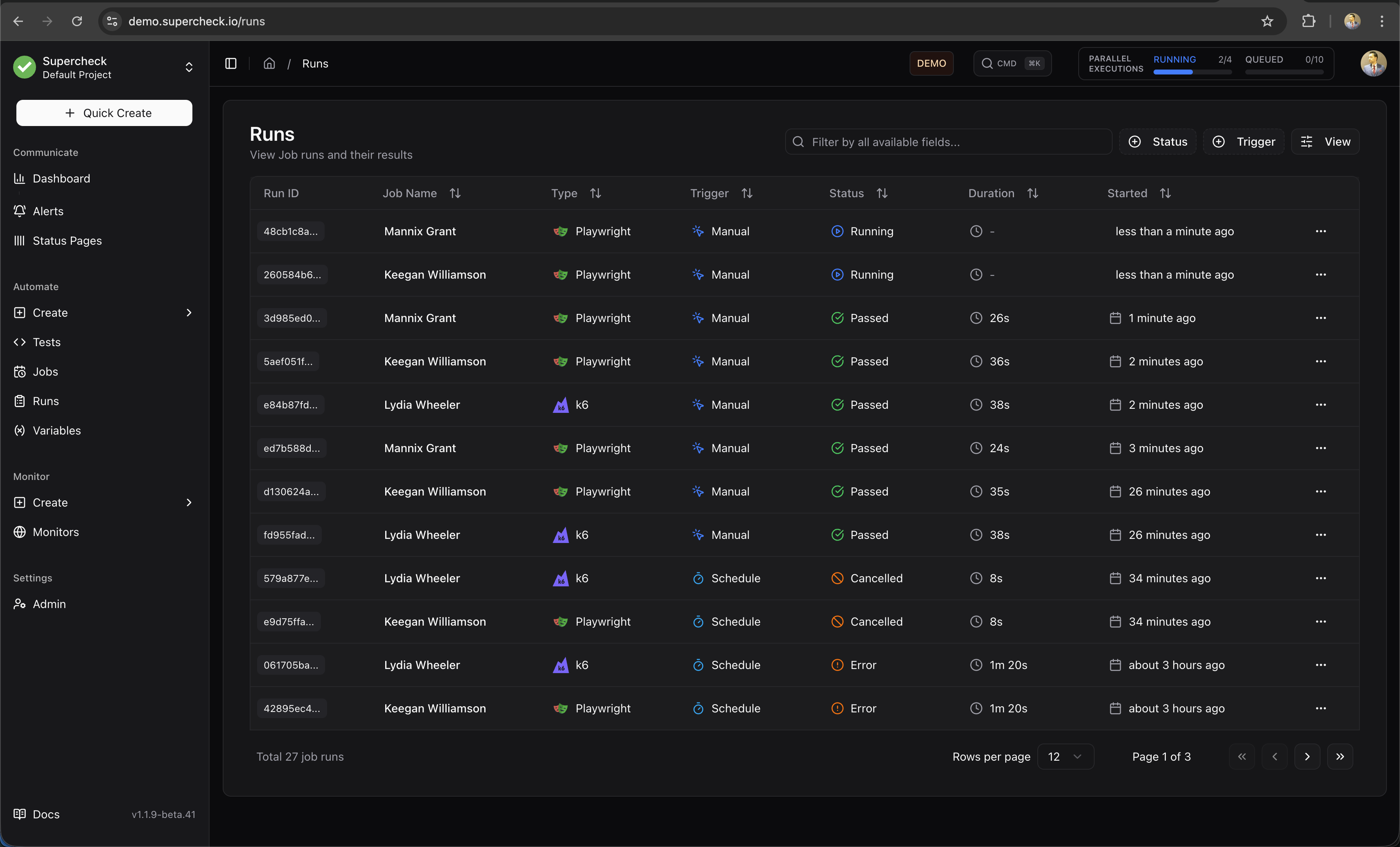
Run Status
| Status | Description |
|---|---|
| Passed | All tests completed successfully |
| Failed | One or more tests failed |
| Error | Execution error (timeout, crash) |
| Running | Currently executing |
| Queued | Waiting to execute |
View Runs
- Go to Jobs or Tests
- Select the item
- Click Runs tab
- Select a run to view details
Run Details
Each run includes:
- Results — Pass/fail count and duration
- Screenshots — Visual state at each step
- Videos — Browser test recordings
- Logs — Console output
- Trace — Step-by-step execution replay
Debug Failures
- Open failed run
- Check error message
- View screenshot at failure point
- Review console logs
- Check network requests
AI Analyze
Click AI Analyze on any job run to generate an AI-powered analysis report.
What AI Analyze Provides:
- Execution Summary — Overview of what happened during the run
- Failure Analysis — Root cause identification with specific error messages
- Performance Insights — Duration analysis and optimization suggestions
- Recommendations — Actionable next steps based on actual run data
Supported Job Types:
- Playwright — Analyzes test failures with HTML report context
- K6 — Analyzes performance metrics and threshold breaches
AI Analyze requires a configured AI provider. See Deployment for setup.