
Organization Admin
Manage organization members, projects, and settingsEdit
Manage your organization's members, projects, and view audit trails from the Admin panel.
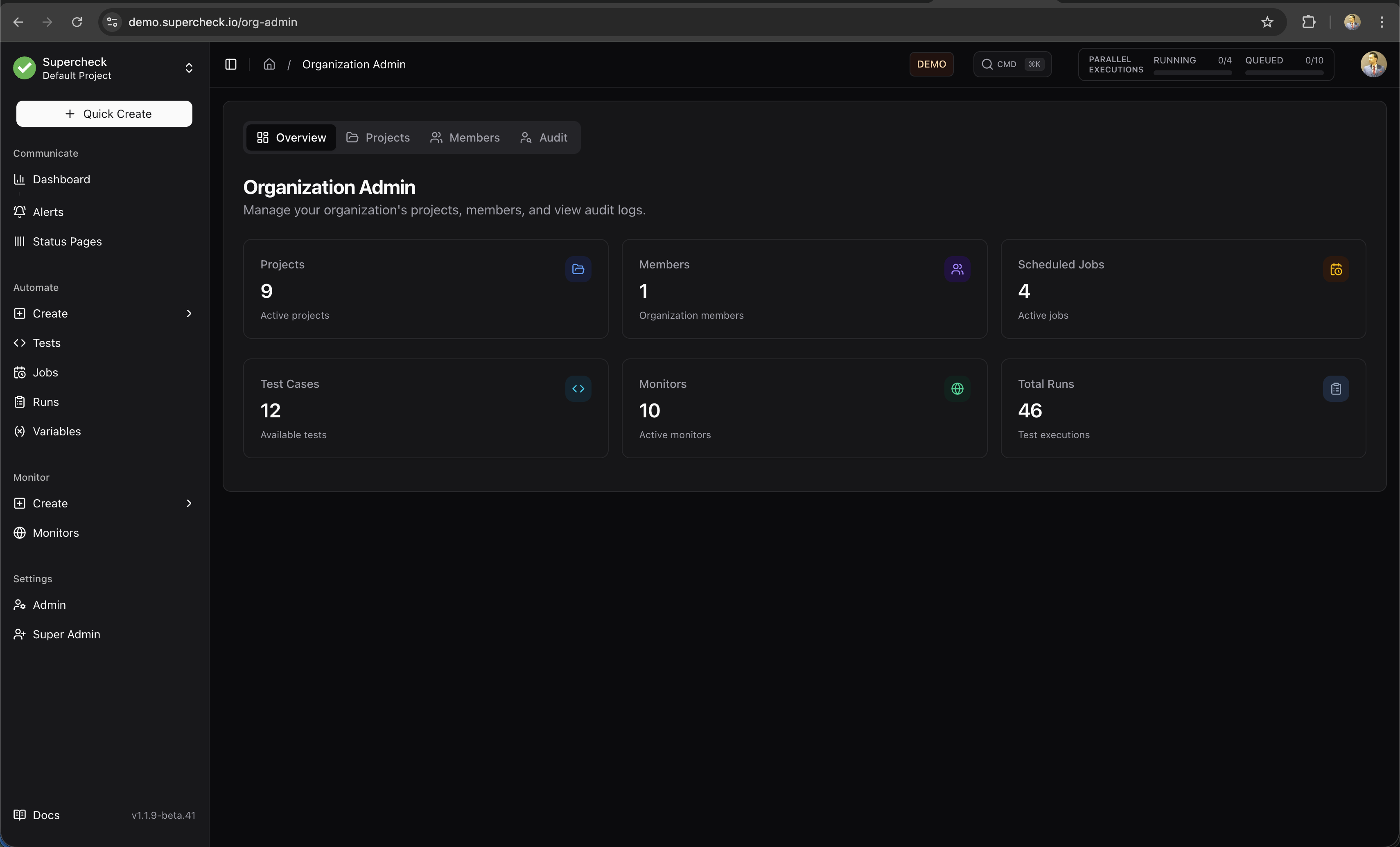
Overview
The organization admin dashboard provides a summary of your organization's activity, including member count, project count, and recent activity.
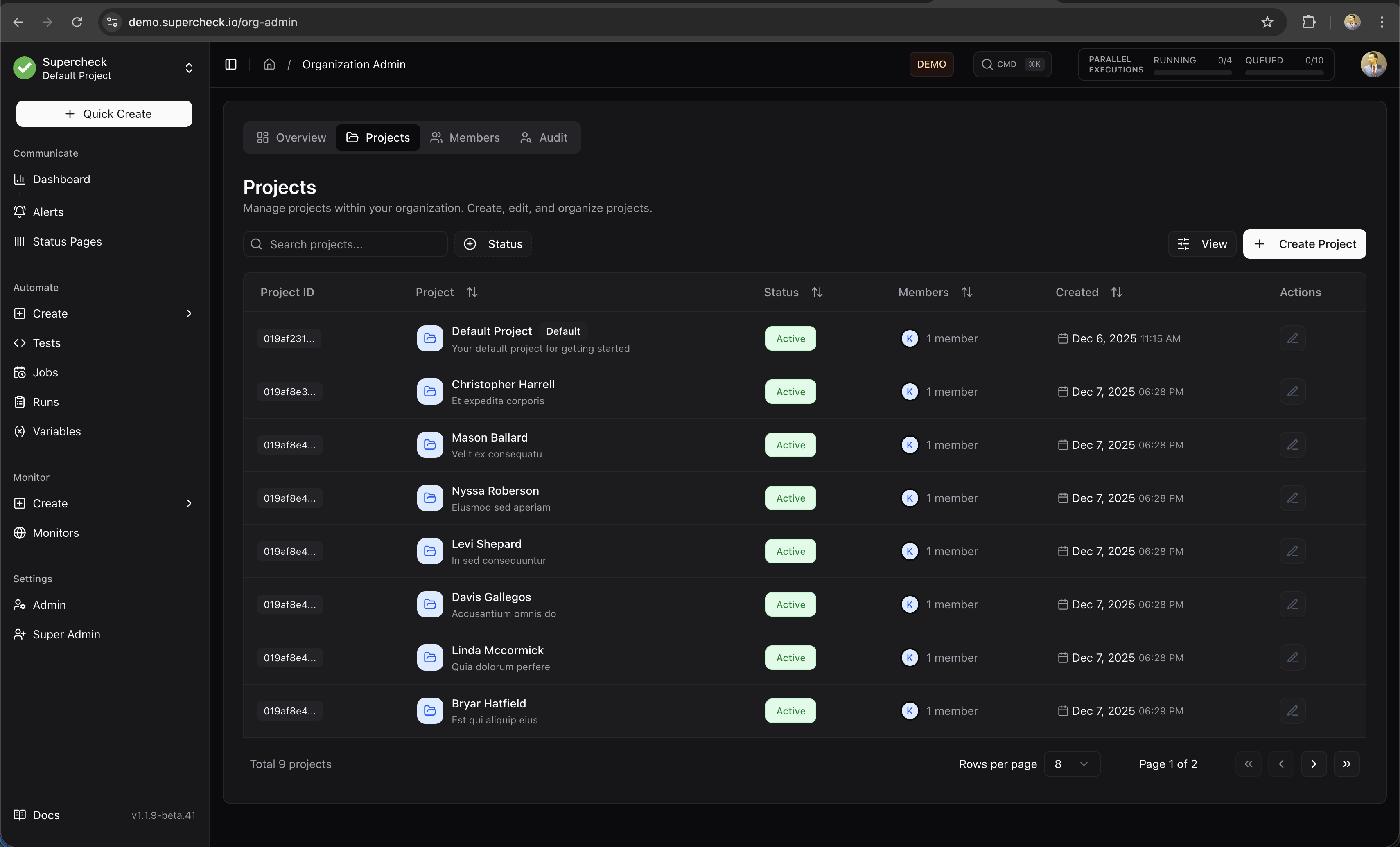
Projects
Manage all projects within your organization. Create, edit, or archive projects as needed.
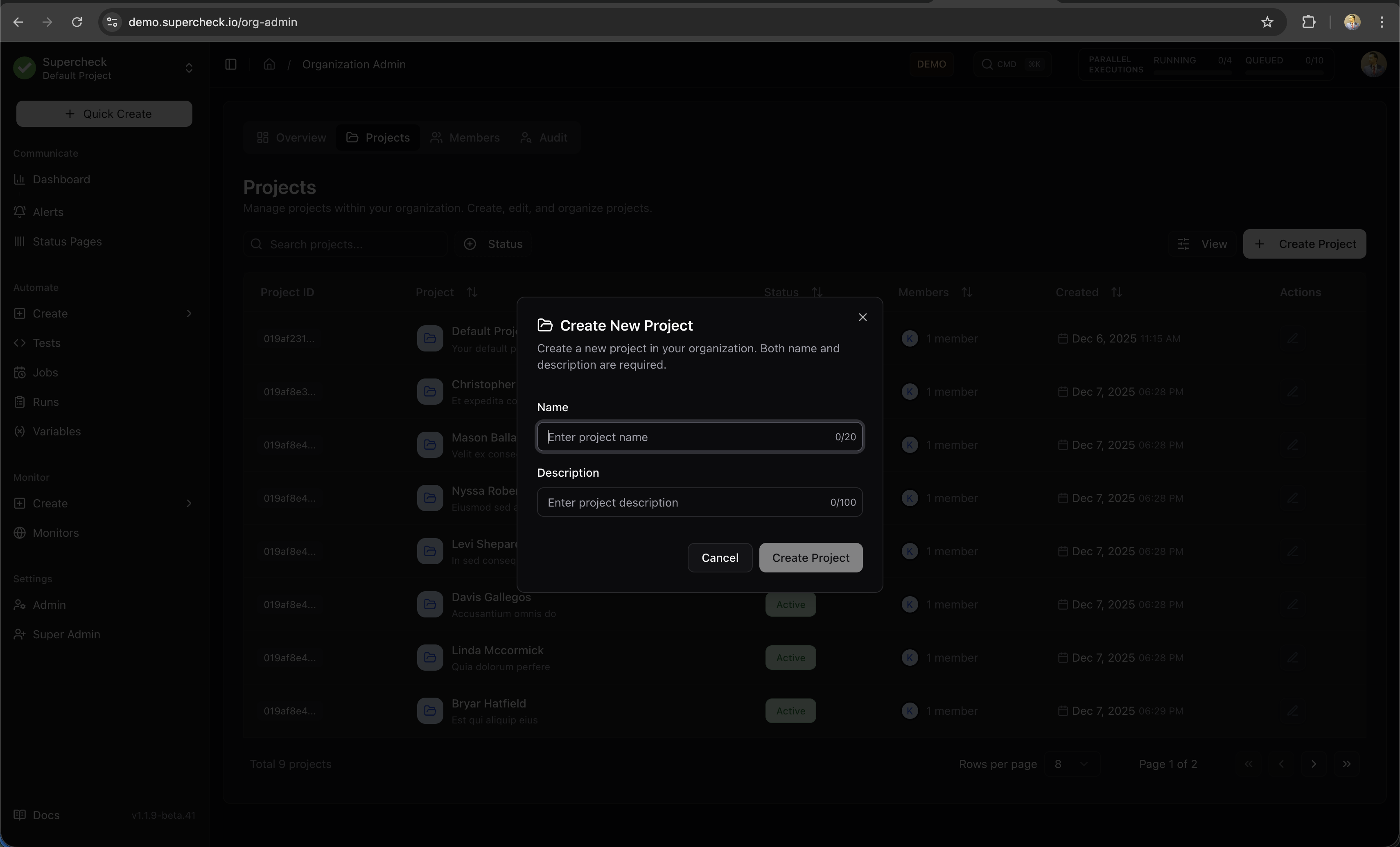
Create Project
Create a new project to organize your tests, jobs, and monitors.
- Go to Admin → Projects
- Click Create Project
- Enter project name and description
- Configure project settings
- Save
Members
Invite and manage team members with role-based access control.
- Go to Admin → Members
- Click Invite Member
- Enter email and select role
- Send invitation
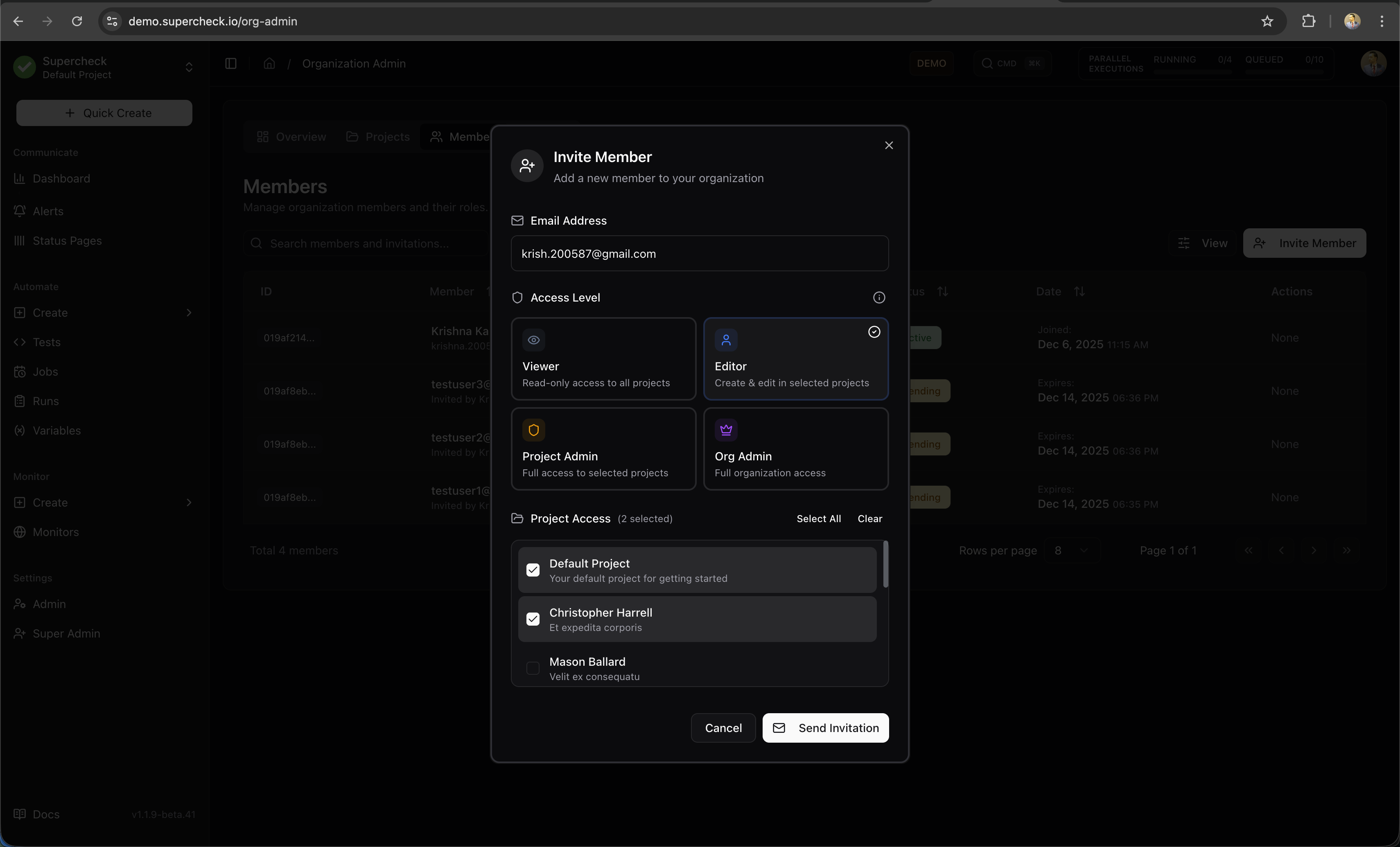
The invited member receives an email with a link to join your organization.
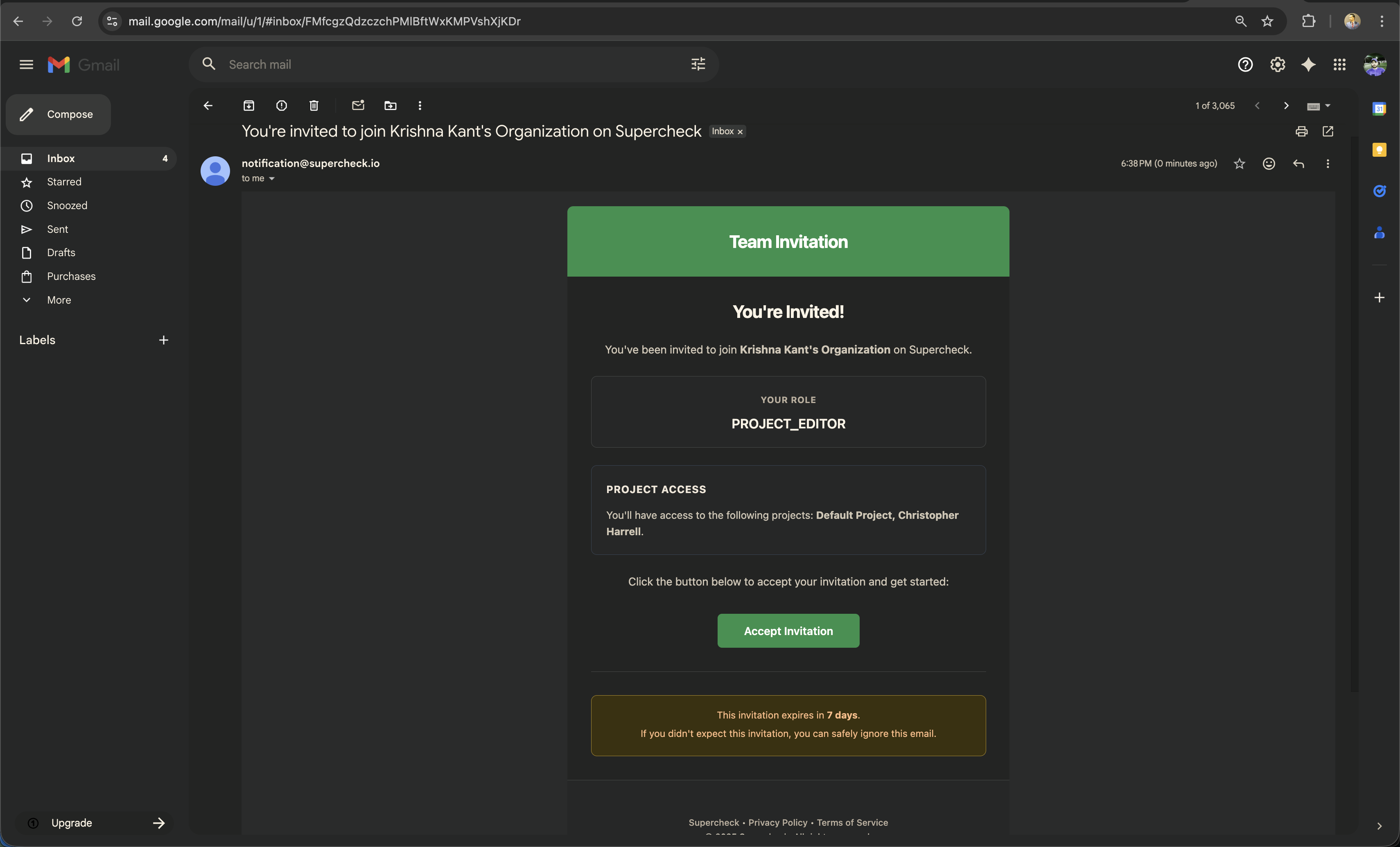
New members accept the invitation to join the organization.
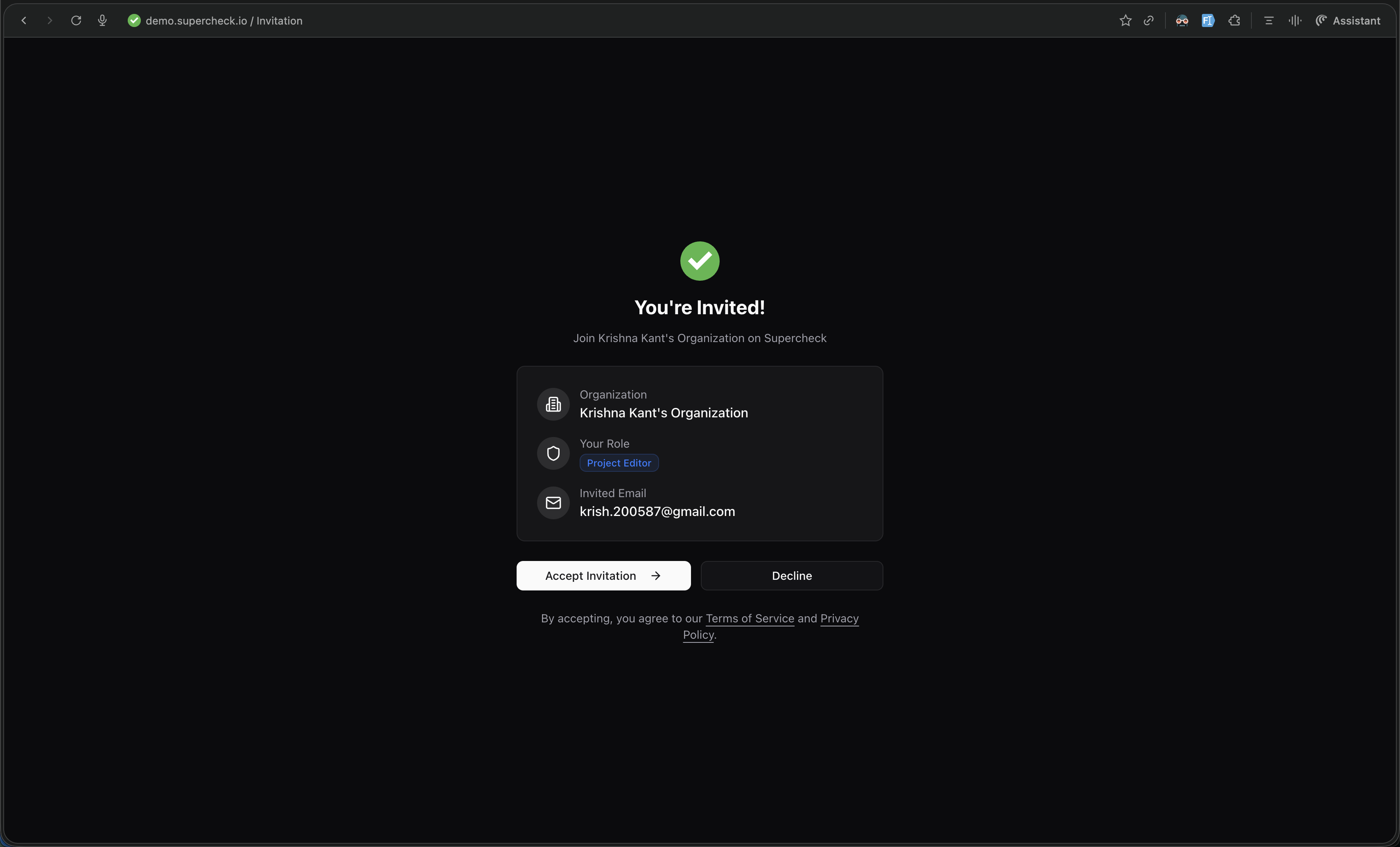
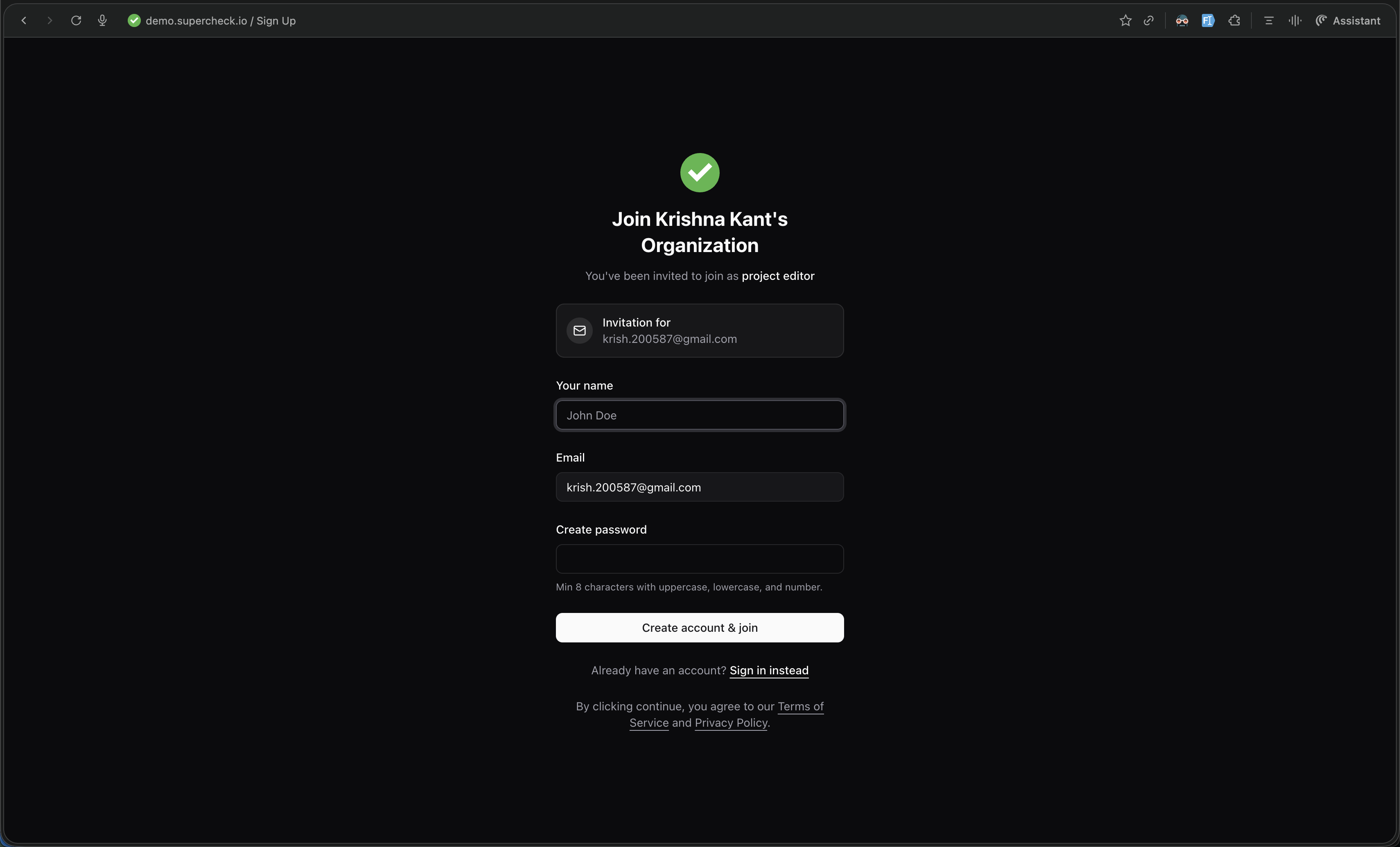
After accepting the invitation, new members can sign up or sign in to join the organization.
Roles
The system uses a 6-role RBAC system with specialized roles for organization and project management.
| Role | Permissions |
|---|---|
| Super Admin | System-wide control, user management, and full access to everything. |
| Org Owner | Full organization control, billing, and member management. |
| Org Admin | Managing members and organization settings (cannot delete org). |
| Role | Permissions |
|---|---|
| Project Admin | Full control of assigned projects (create/edit/delete resources). |
| Project Editor | Create and edit resources in assigned projects (cannot delete). |
| Project Viewer | Read-only access to assigned projects. |
Audit Log
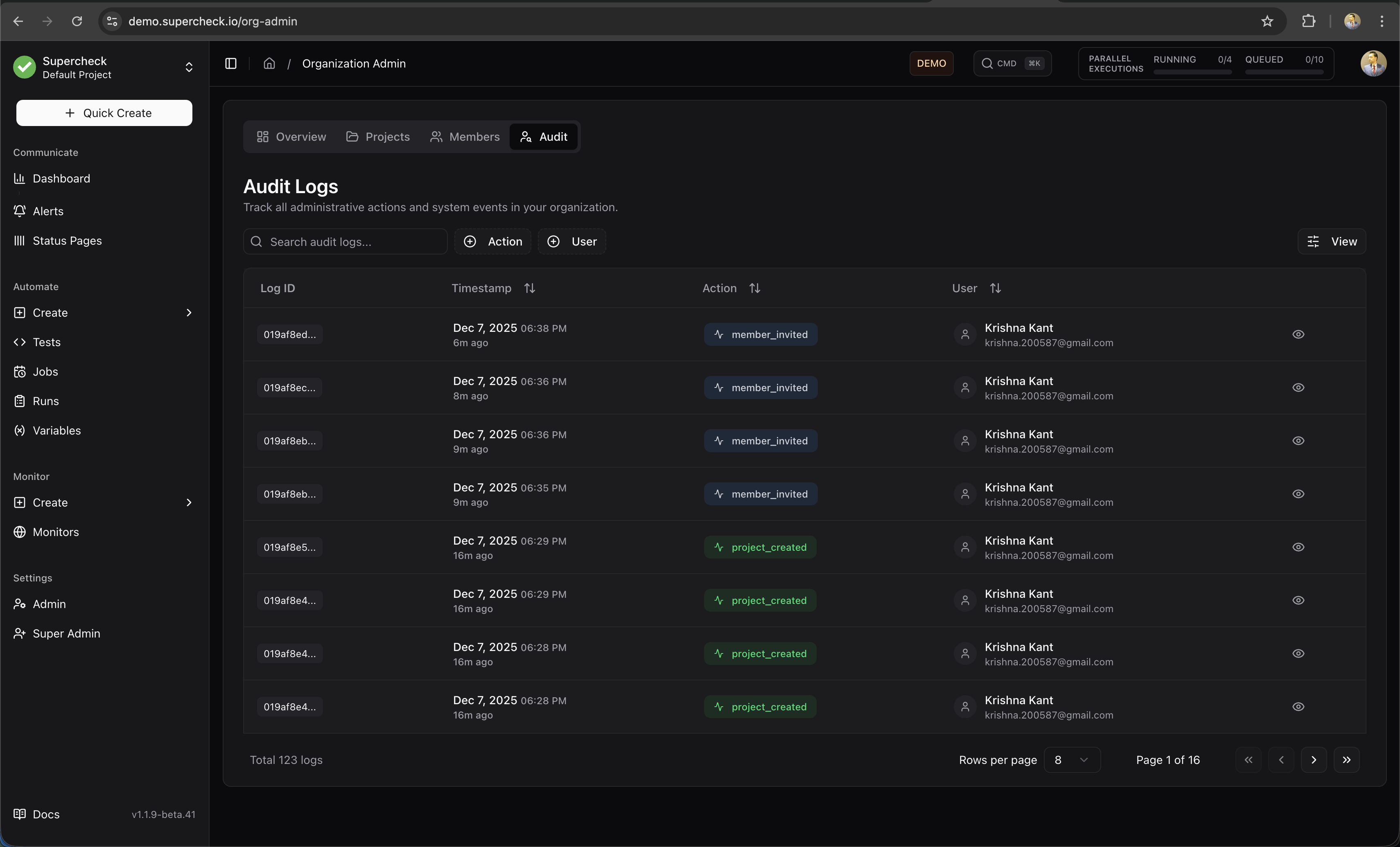
Track all actions performed within your organization. View who did what and when for compliance and security monitoring.
Event Categories
The audit log captures events across these categories:
- Authentication — Login, logout, password resets
- Authorization — Role changes, permission grants
- Resource Management — Test creation, monitor updates, job deletions
- Execution — Manual test runs, job triggers
- Configuration — Settings changes, integration updates
- Security — Failed logins, unauthorized access attempts